

What Labelyard is
Labelyard is a self-hosted hub that sits between your label printers and everything that needs a label: people with a phone in their hand, and apps such as Snipe-IT, Grocy or Spoolman. It runs as one container on your own hardware. It talks to no cloud service and keeps its data in one SQLite file in its data volume.
What you can do with it
Section titled “What you can do with it”- Print from the browser or the phone. The web UI is a progressive web app. Install it on your phone, scan a barcode or a printed label, and print.
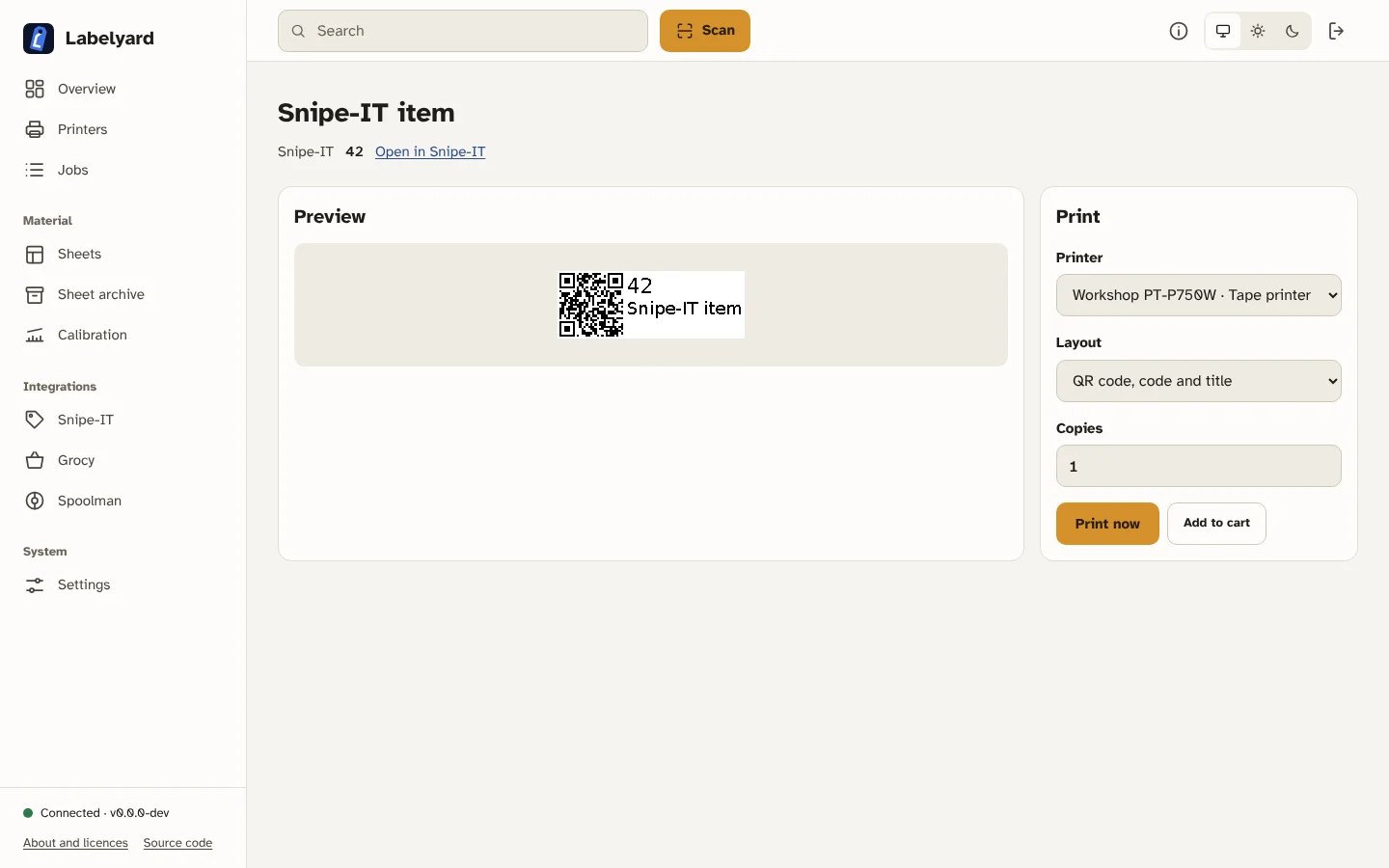
- Print from other apps. Integration plugins look up an asset, a product or a spool by its ID and lay out its label. Webhooks print when something changes in Spoolman or Grocy. Any other app prints through the REST API with its own key.
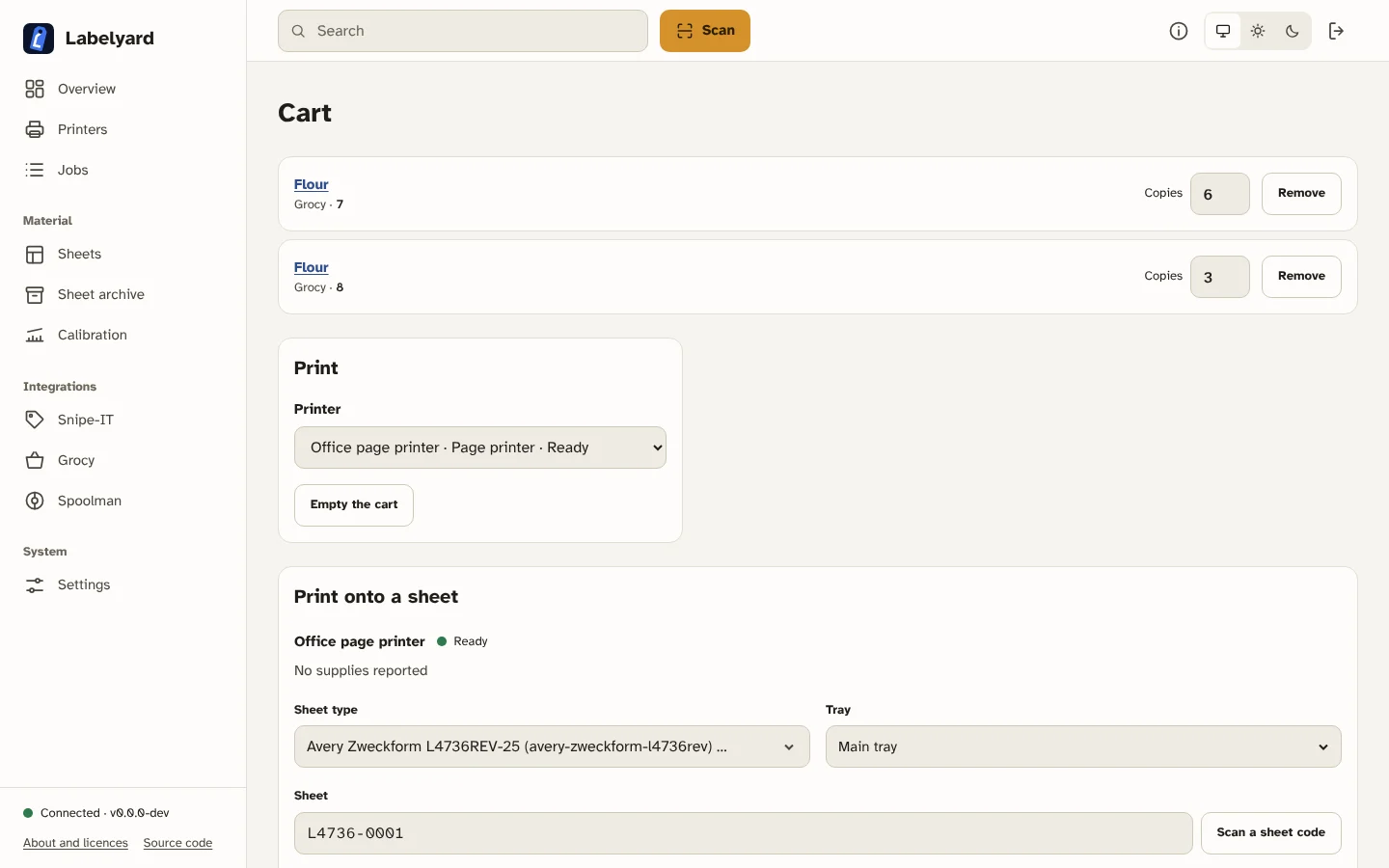
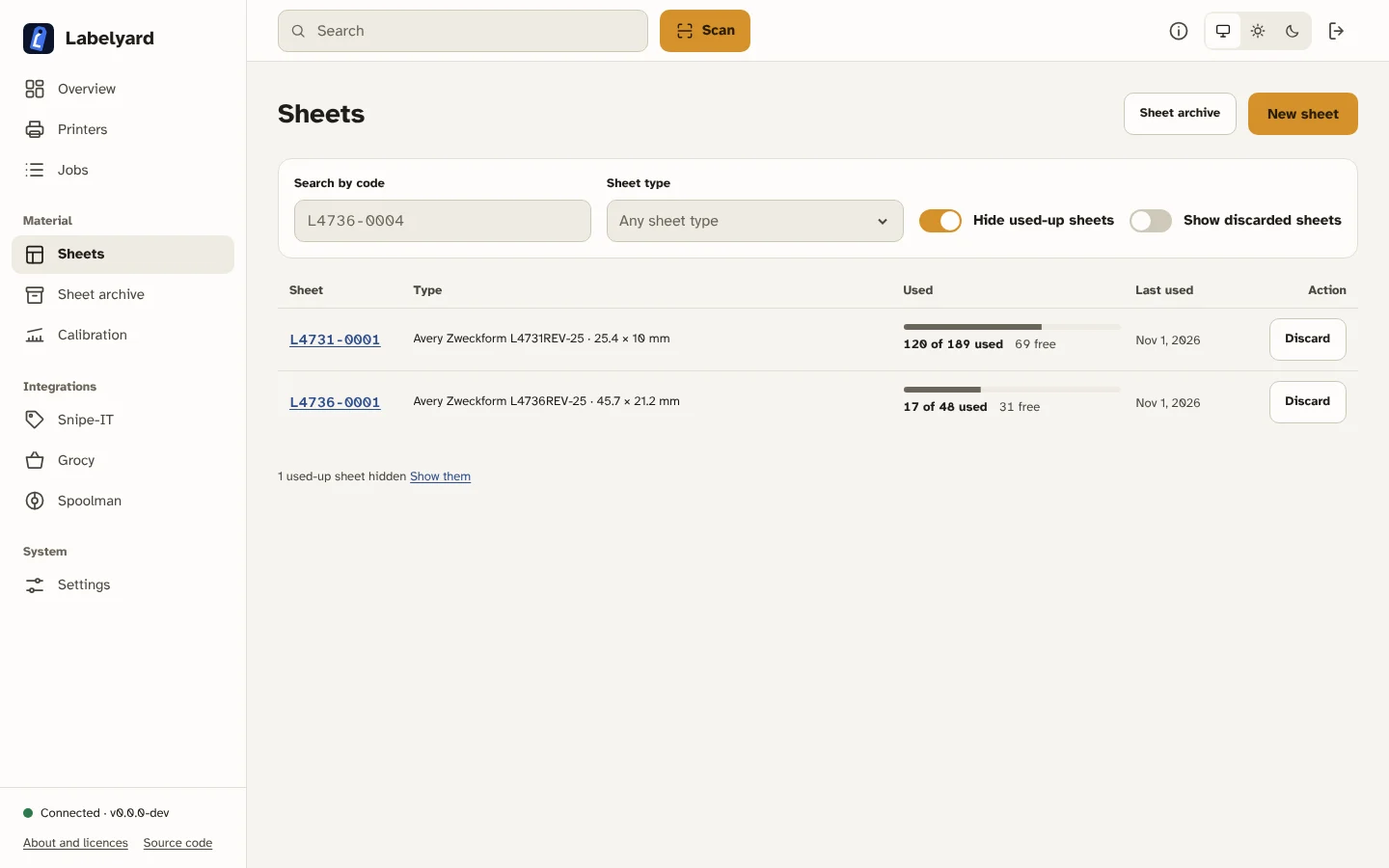
- Use tape printers and office printers. Brother PT-Series and QL-Series printers print on tape and labels; IPP page printers print onto label sheets, and the hub keeps track of the used cells of each sheet.
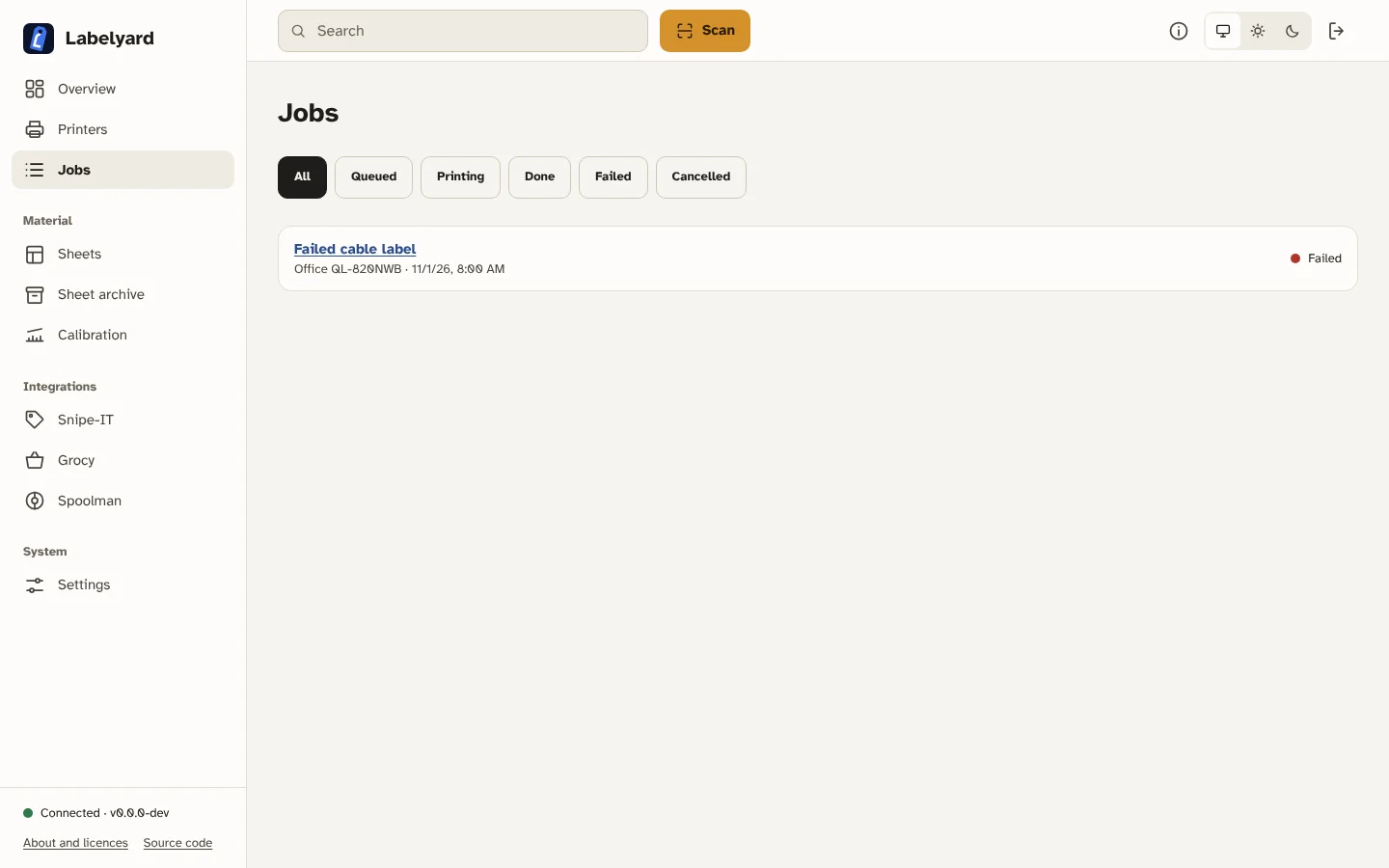
- Know what happened to a job. Every print goes through one queue per printer. You can pause, resume, cancel and retry, and a long tape job is split so that an unknown outcome stops it and asks you whether to continue or reprint.
What it is not
Section titled “What it is not”Labelyard is not an inventory. It does not store your assets, products or spools; it asks the app that owns them and prints what it gets back. It is also not a driver: printers are reached over the network with their documented protocols.
A tour
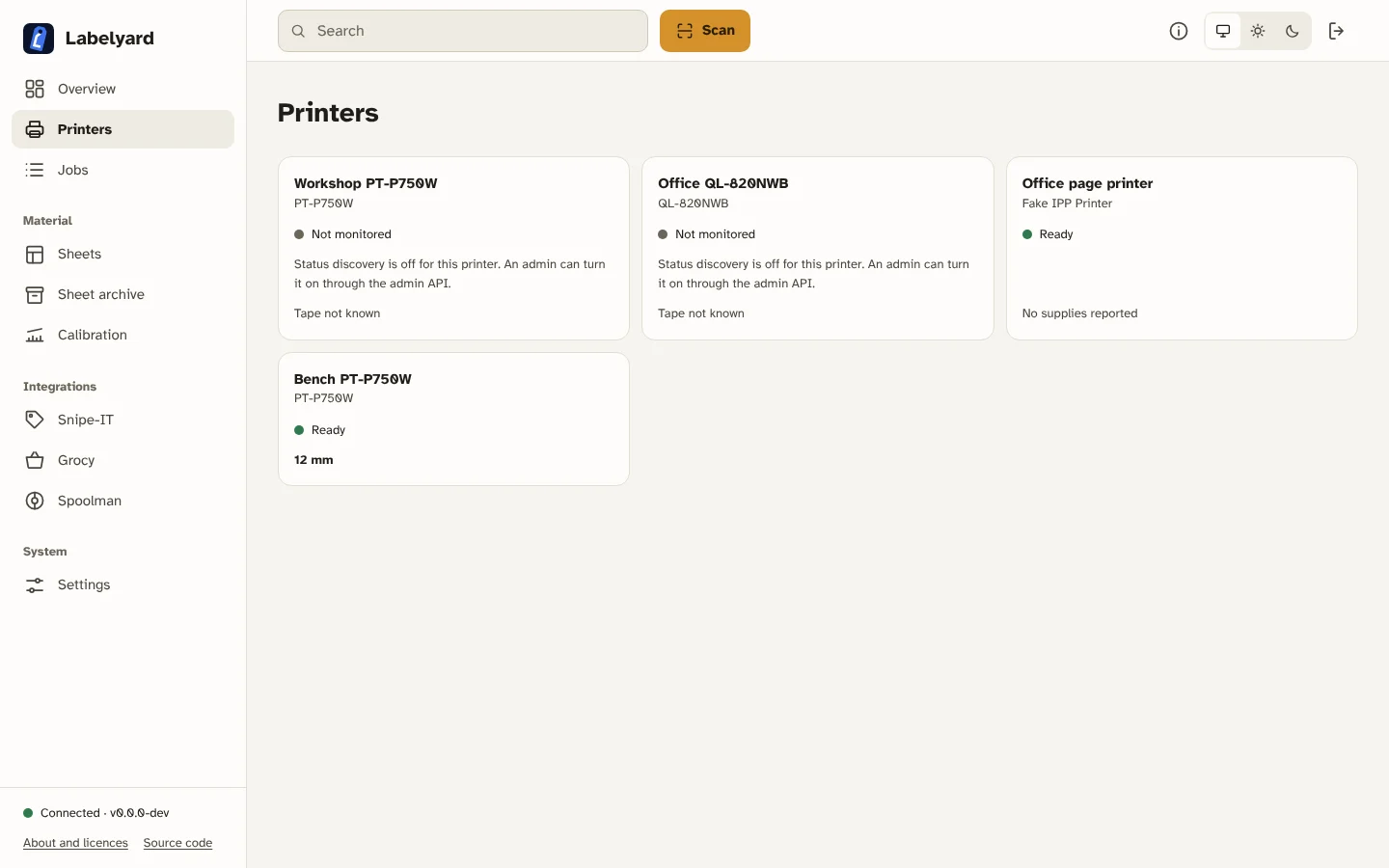
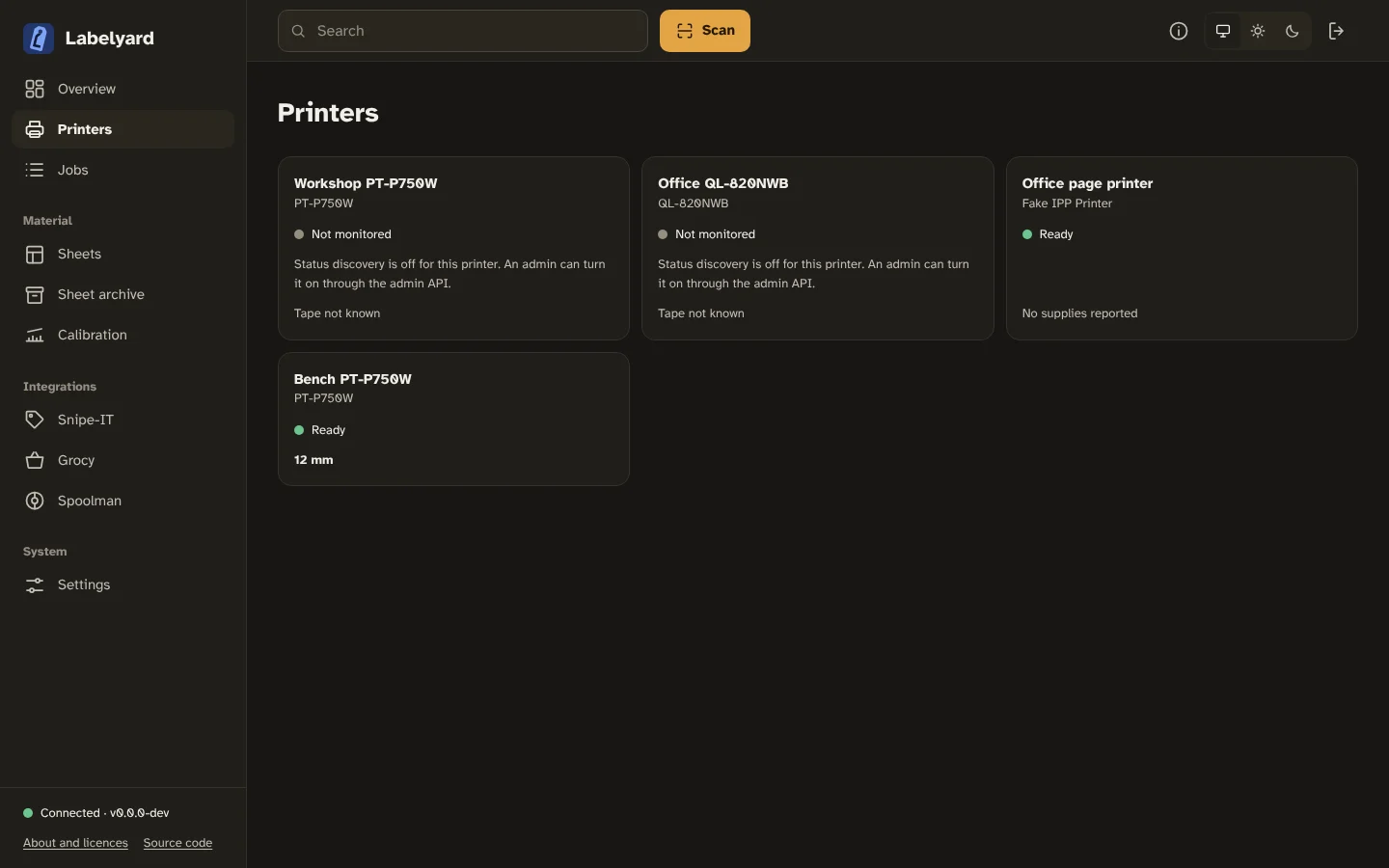
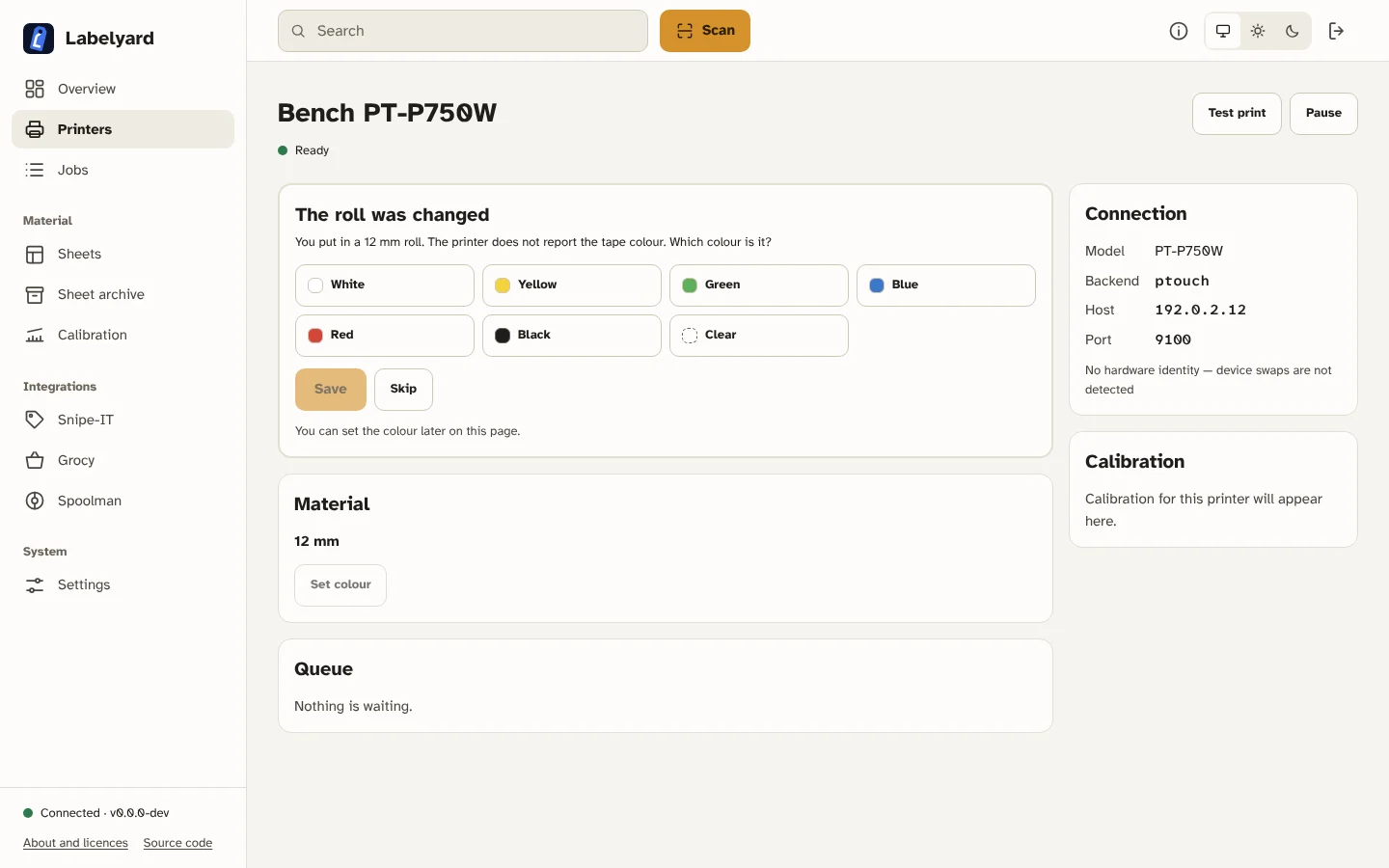
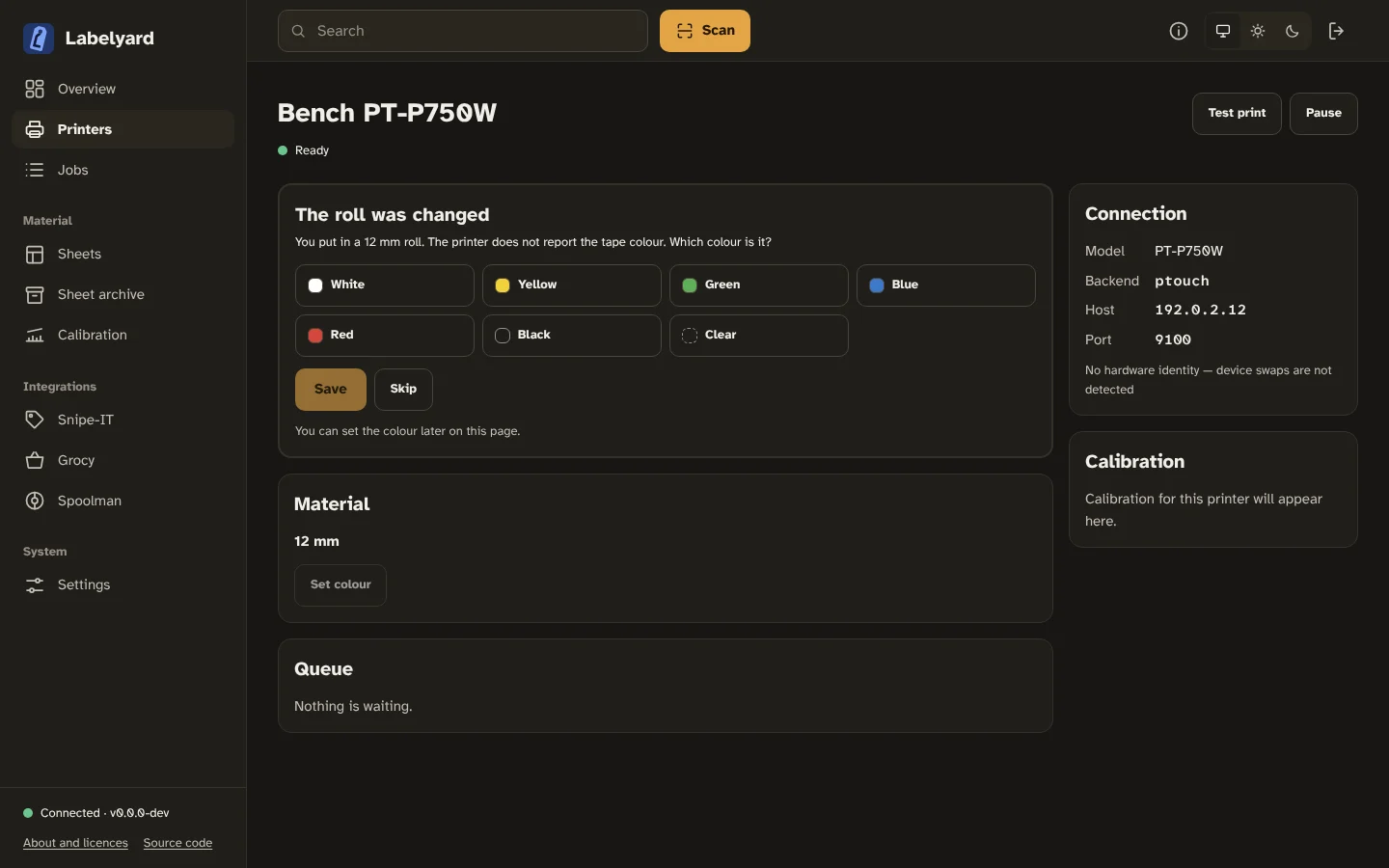
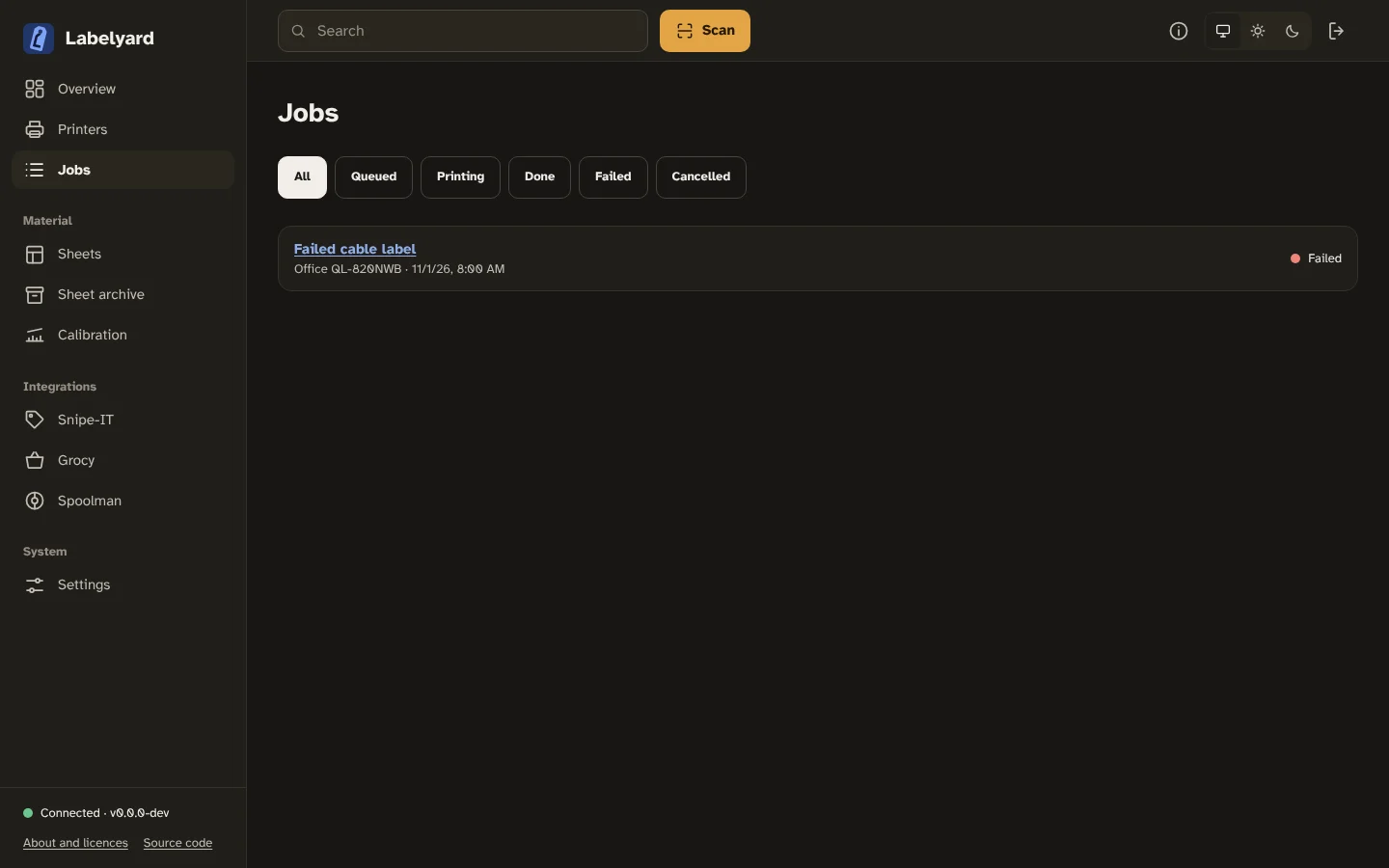
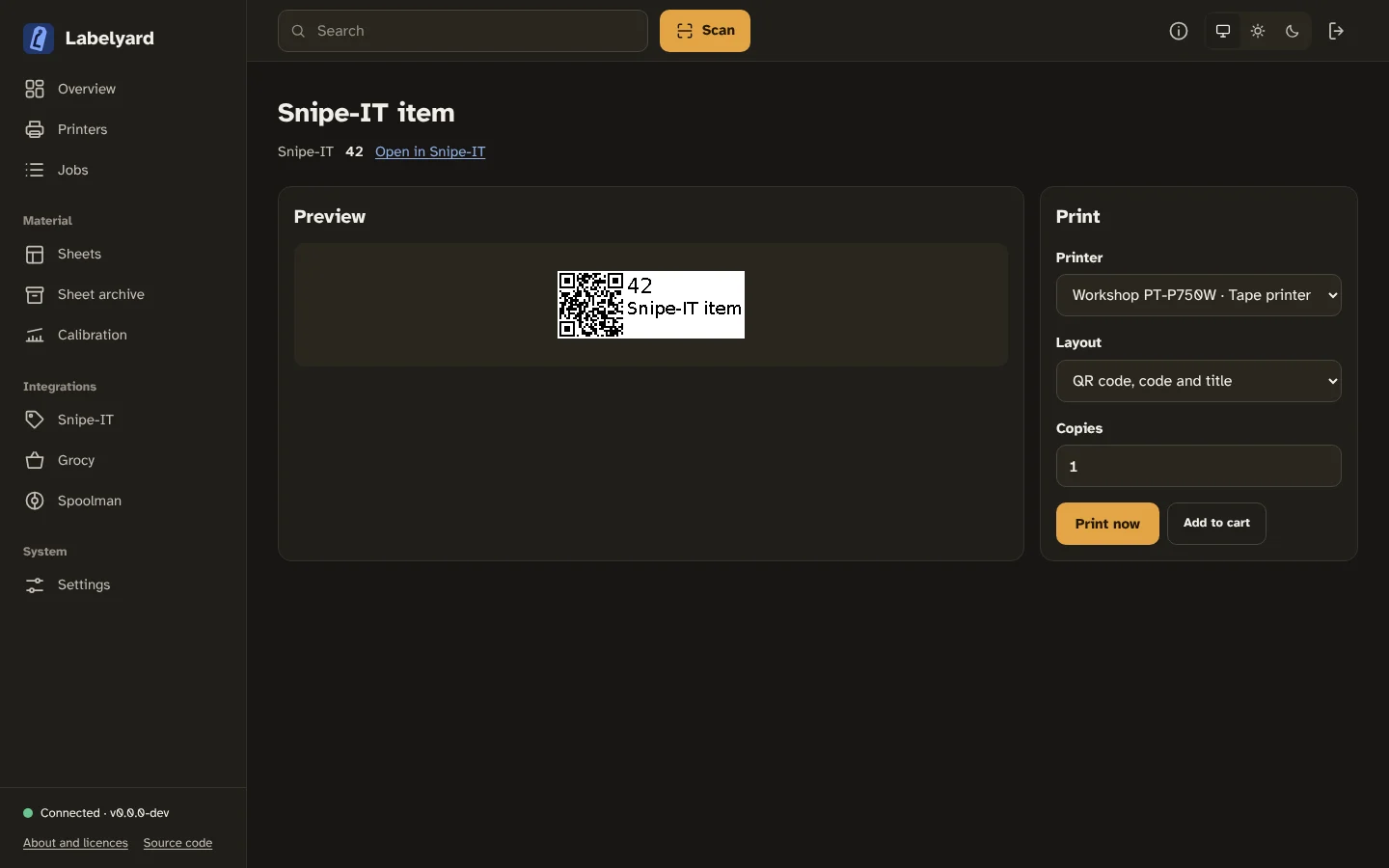
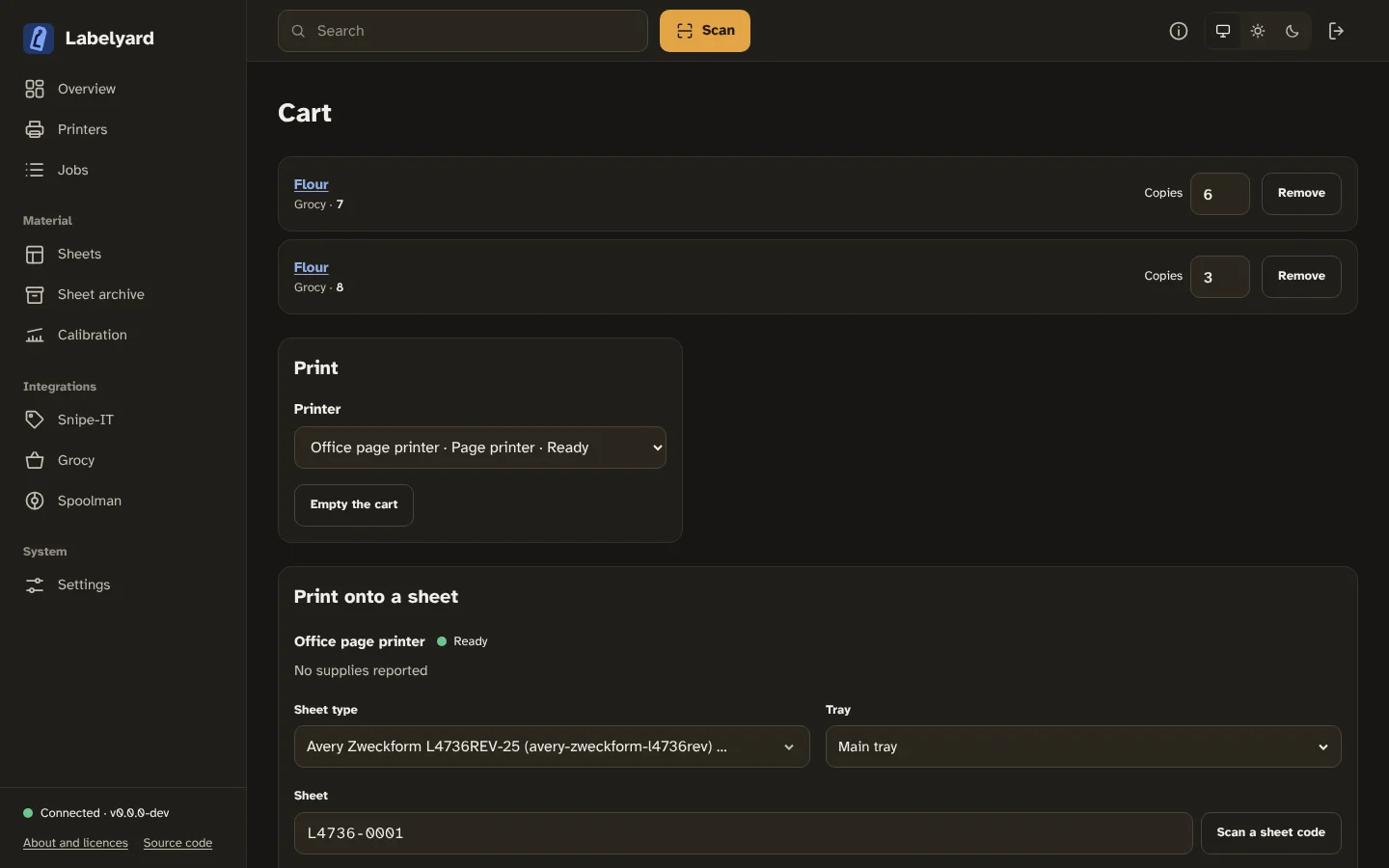
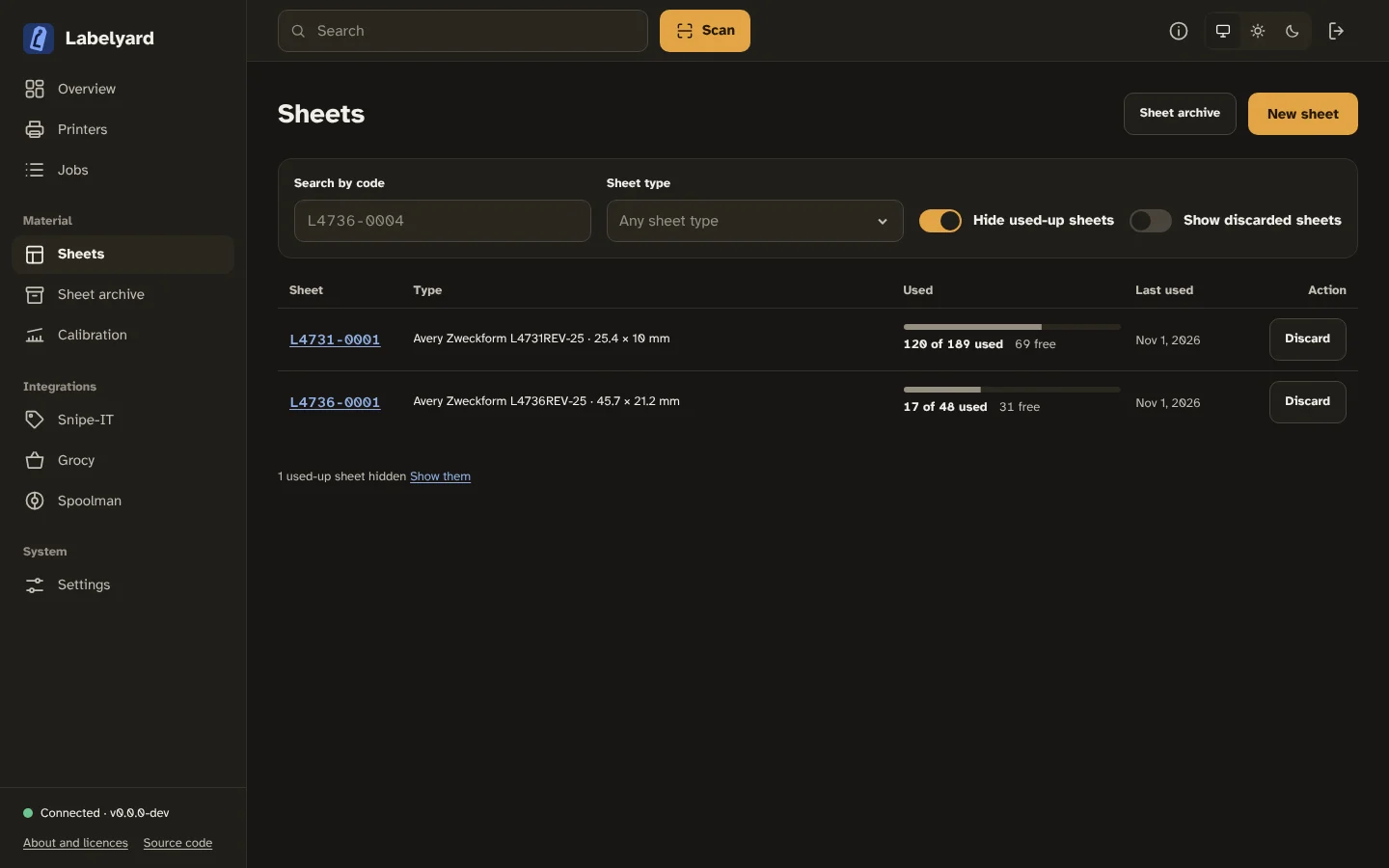
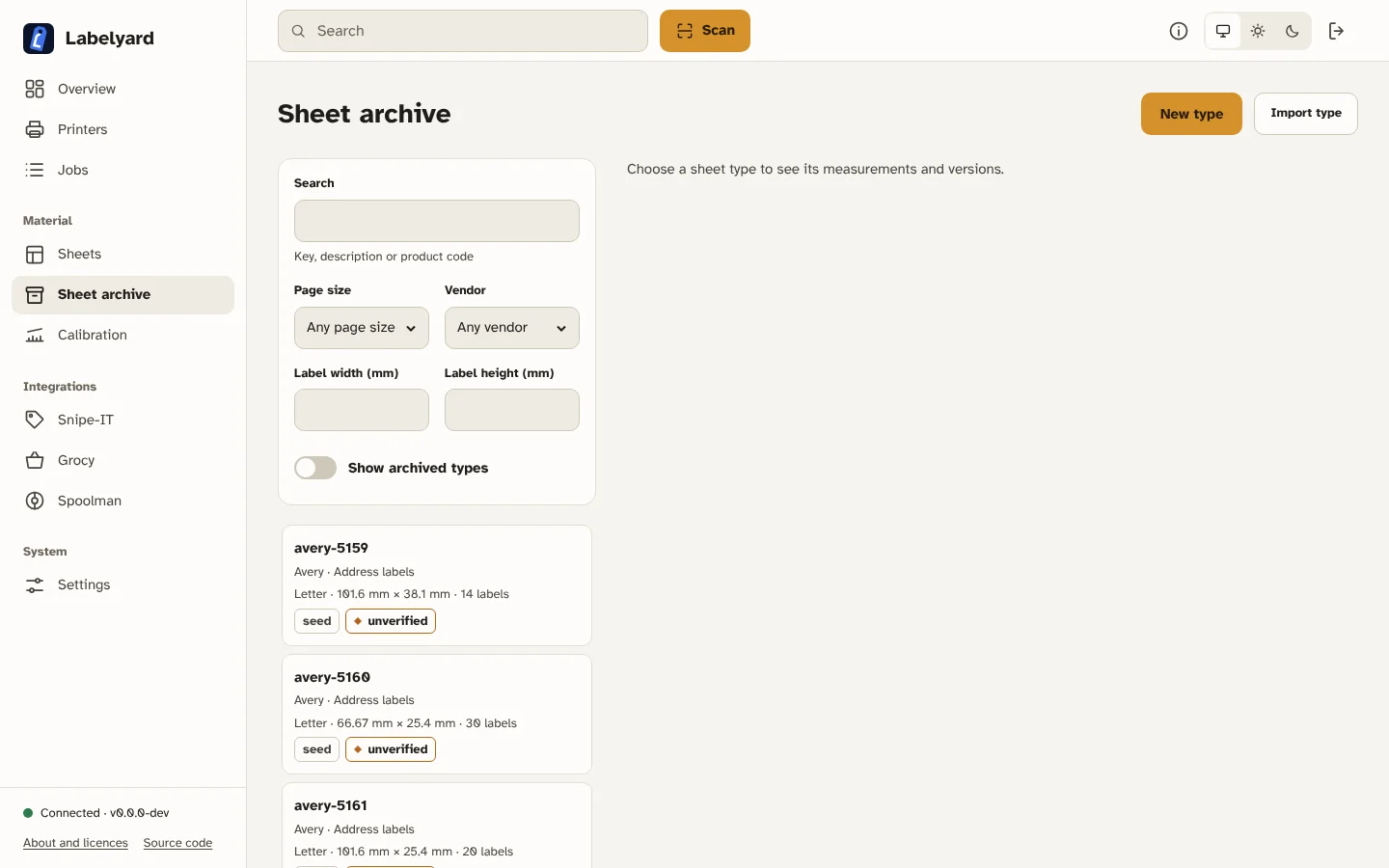
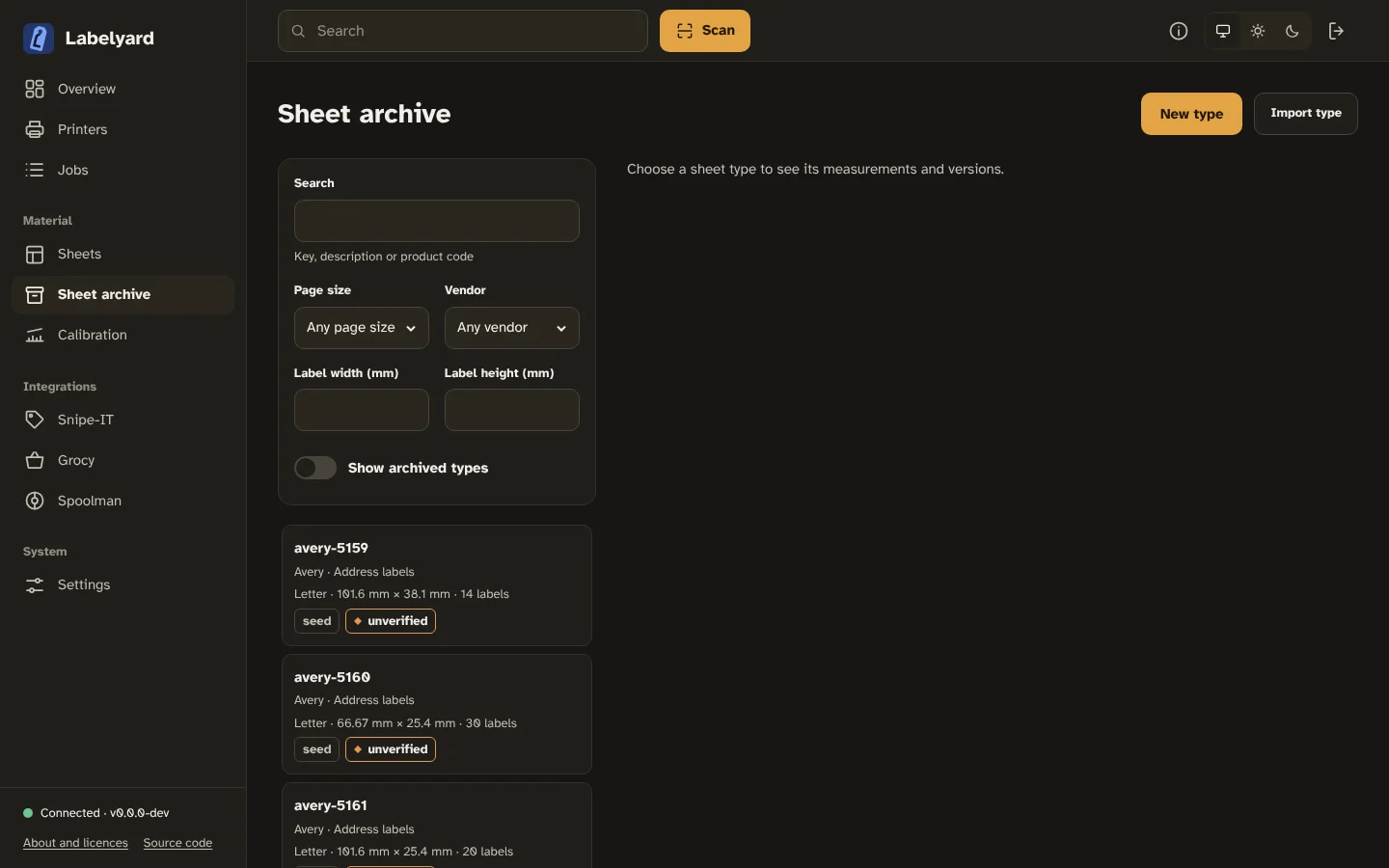
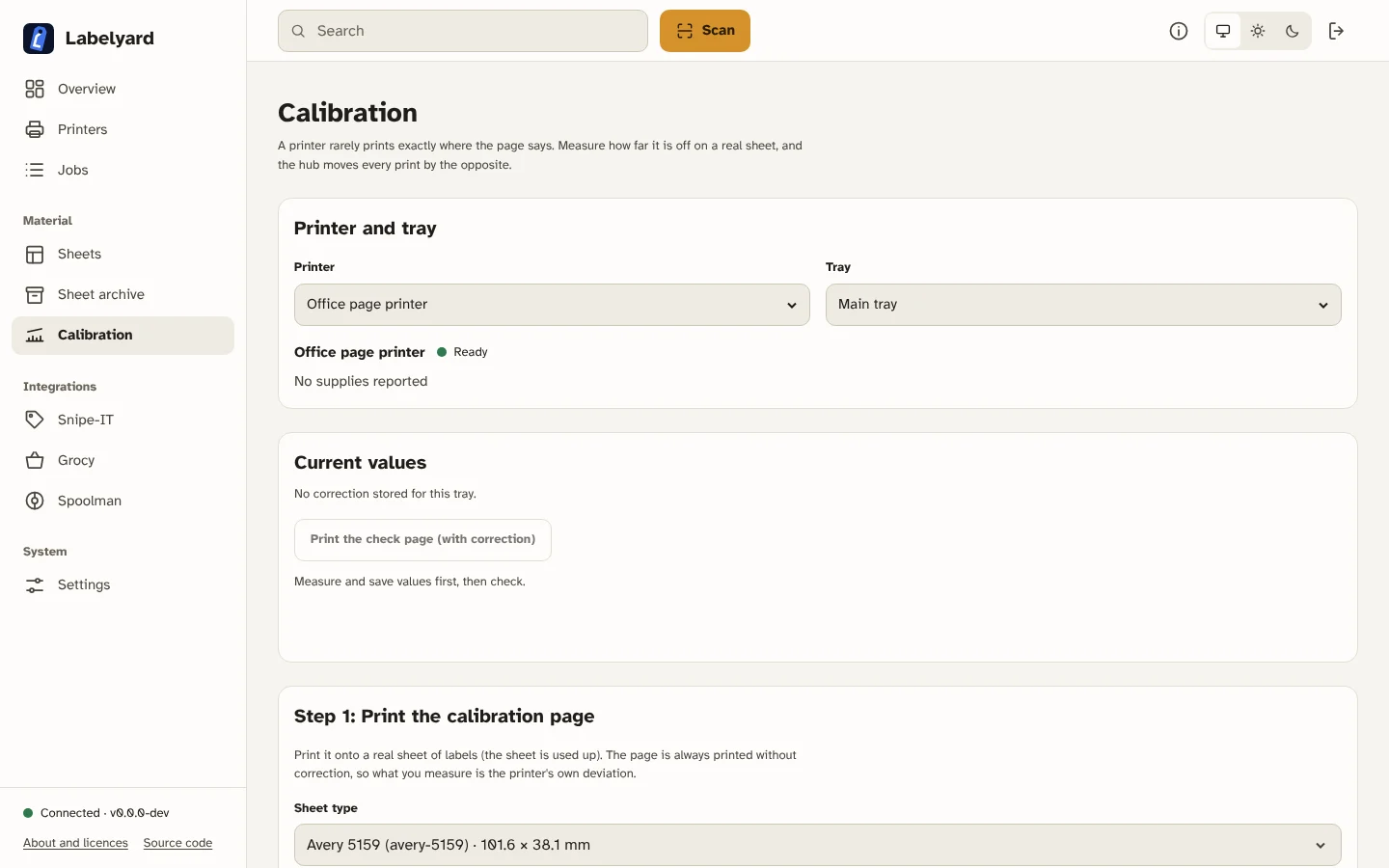
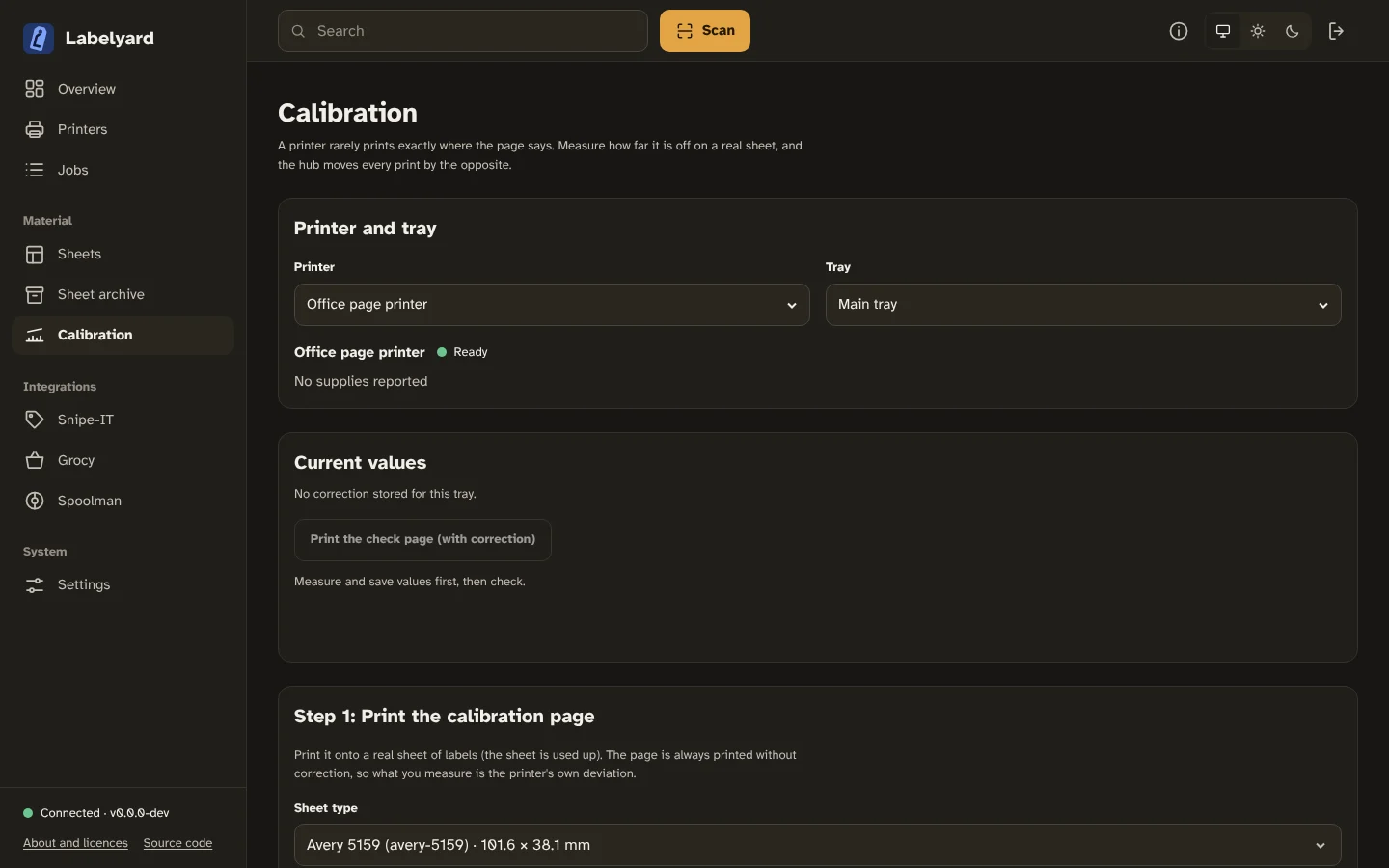
Section titled “A tour”What the web app looks like, in the light or dark theme you chose for this site.
Try it
Section titled “Try it”There is no hosted demo yet. The quickest way to look at it is the installation on your own machine; the hub starts without any printer, and you can add one later.
Brother, P-touch, PT-Series and QL-Series are trademarks of Brother Industries, Ltd. Labelyard is an independent project and not affiliated with Brother.